
Every customer has an advisor who handles them. When that changes, reassign them so they're not left without follow-up.
1. Find the customer
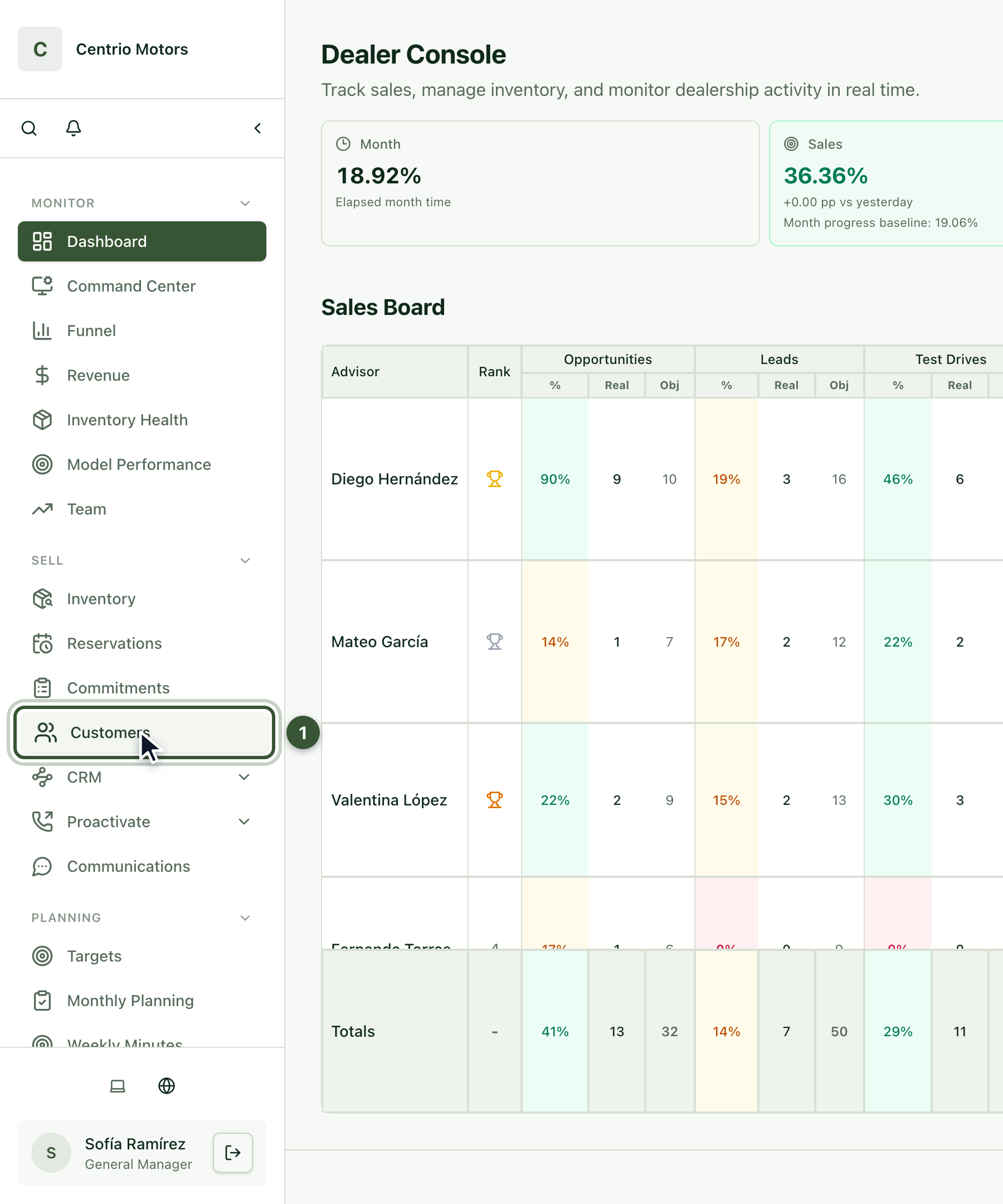
In the sidebar, under Sell, click Customers (1).
Search for the customer by name, email or phone and press Apply.
Click their name to open their file.
2. Check who handles them
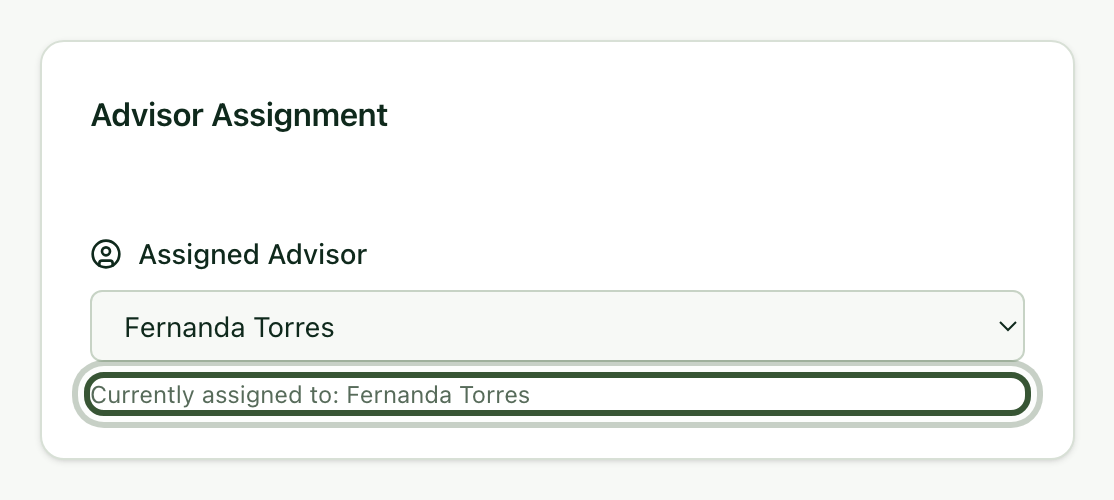
Under Advisor Assignment you see who handles this customer today (Currently assigned to).
3. Assign the new advisor
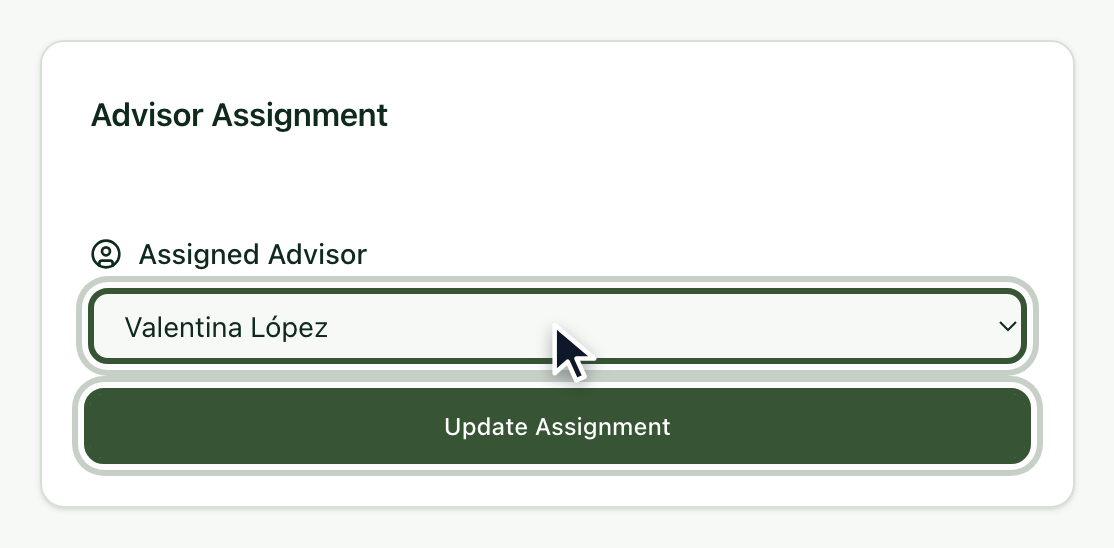
Under Assigned Advisor, choose the new advisor.
Click Update Assignment.
Done: the new advisor shows under Currently assigned to.
Frequently asked questions
I don't see the Advisor Assignment section. Only managers and admins can reassign customers.
Can I leave a customer without an advisor? Yes, by choosing No advisor assigned, although it's best that someone is always in charge.