
When an advisor holds a vehicle, the reservation stays Pending until you approve it. This is how you review it and decide.
1. Open Reservations
Sign in to Centrio with your email and password.
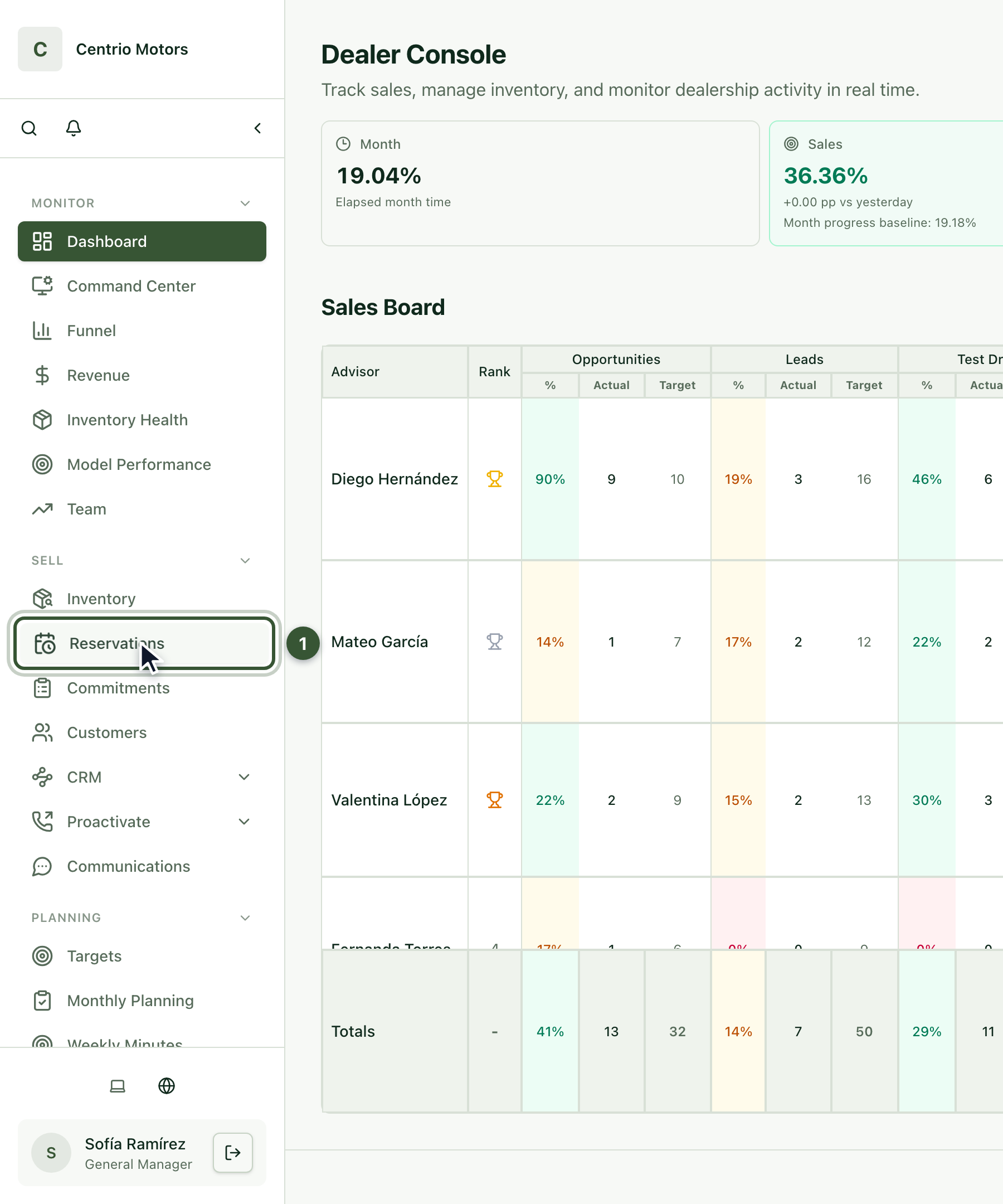
In the sidebar, under Sell, click Reservations (1).
2. Filter the ones waiting for your decision
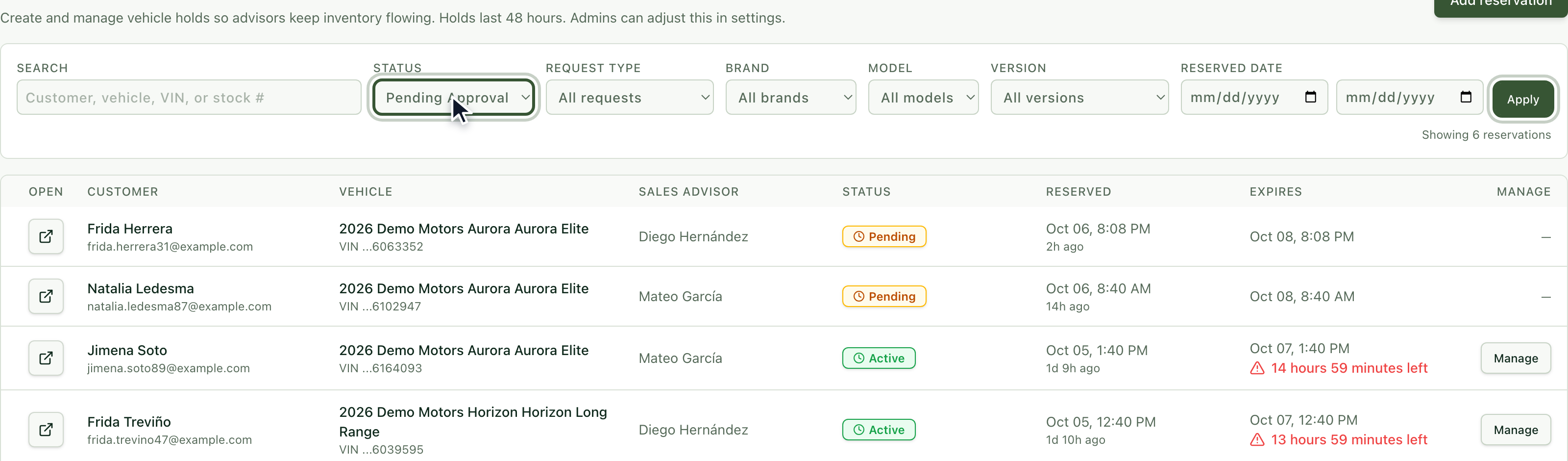
Under Status choose Pending Approval and press Apply.
3. Review the reservation
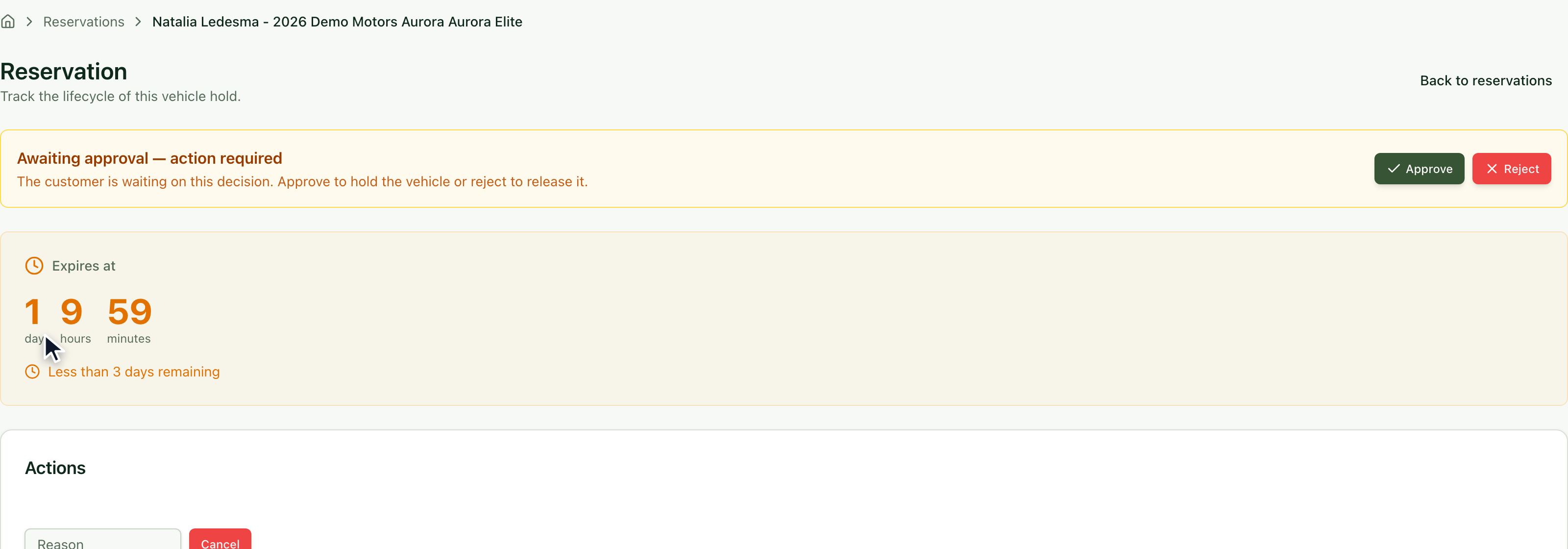
Open the reservation with the button in the first column. At the top you'll see the Awaiting approval — action required notice and a counter with the time left. Under Summary check the customer, the vehicle and the Downpayment.
4. Approve it
Click Approve.
Confirm with Approve in the window that appears.
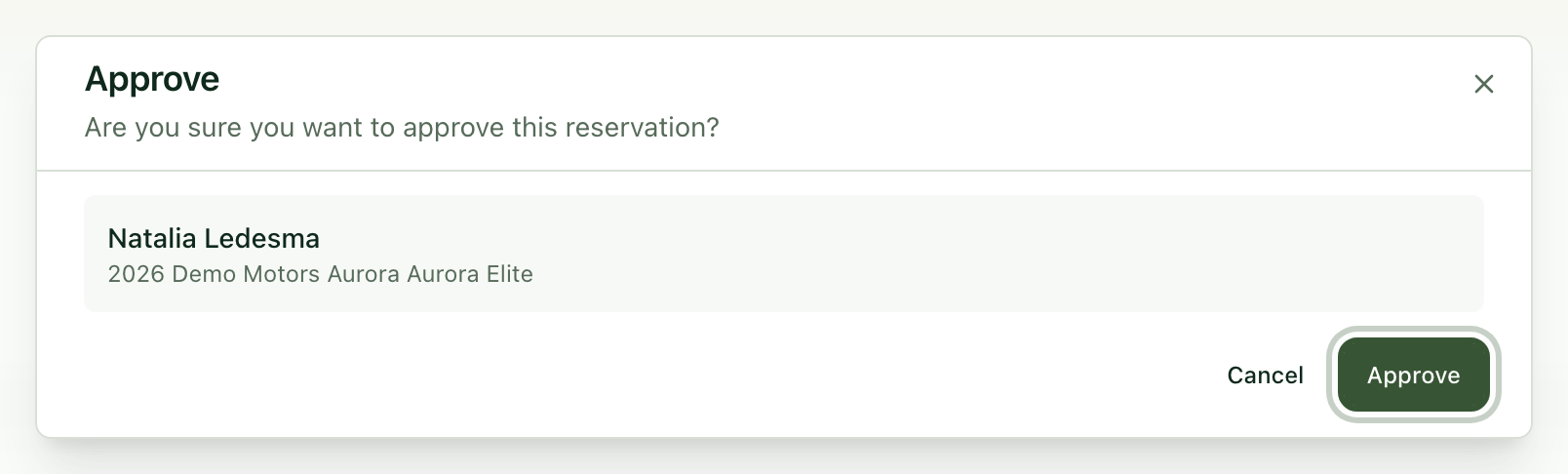
The reservation becomes Active and the vehicle stays held for the customer.

5. Or reject it
Click Reject.
Write the Rejection Reason: your advisor will see it on the reservation so they can fix what's missing.
Confirm with Reject.
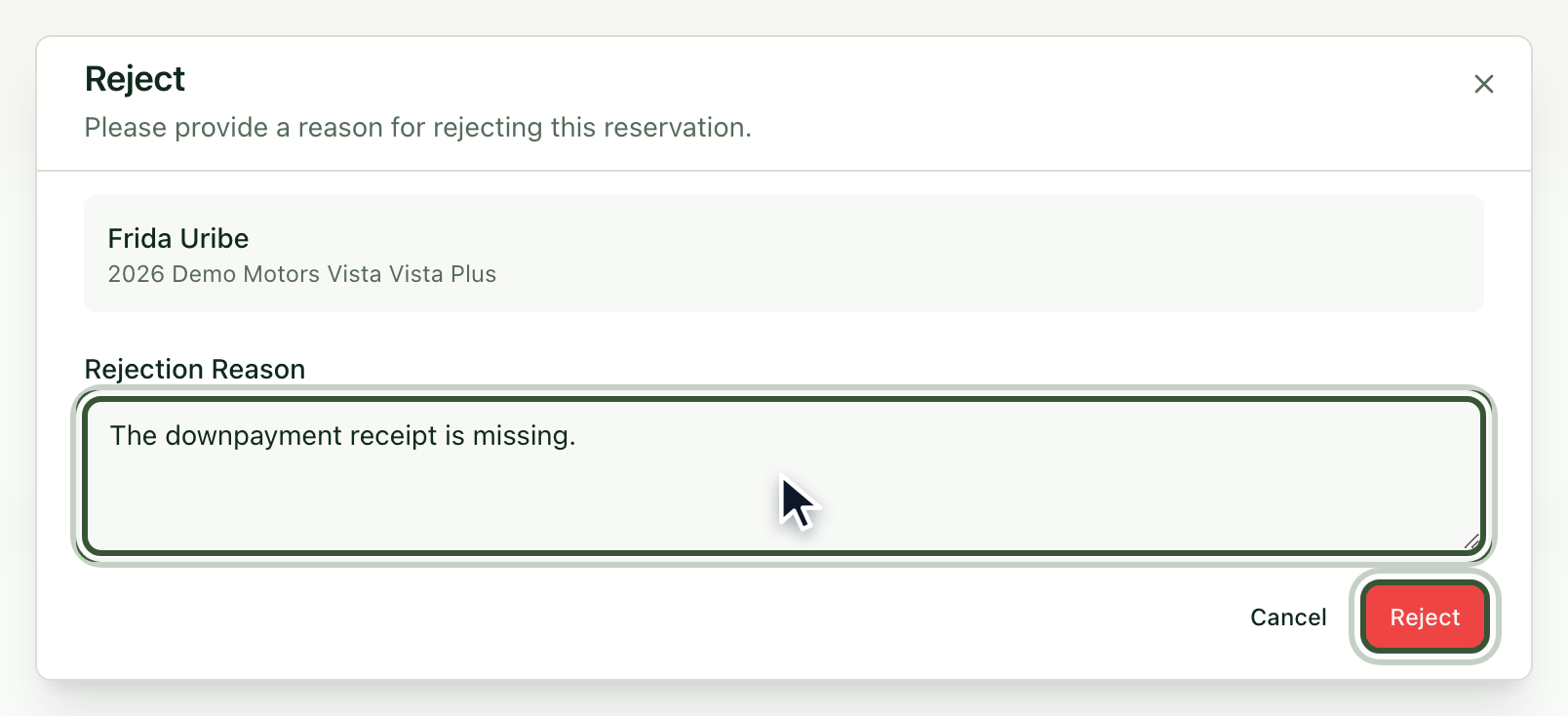
The reservation becomes Rejected and the vehicle is available again.
Frequently asked questions
How long do I have to decide? The reservation's counter shows how much time is left before it expires.
Can I cancel a reservation that is already active? Yes: under Actions write the reason and click Cancel.
Why can't I see a reservation from another dealership? You only see reservations from the dealerships you have access to.